
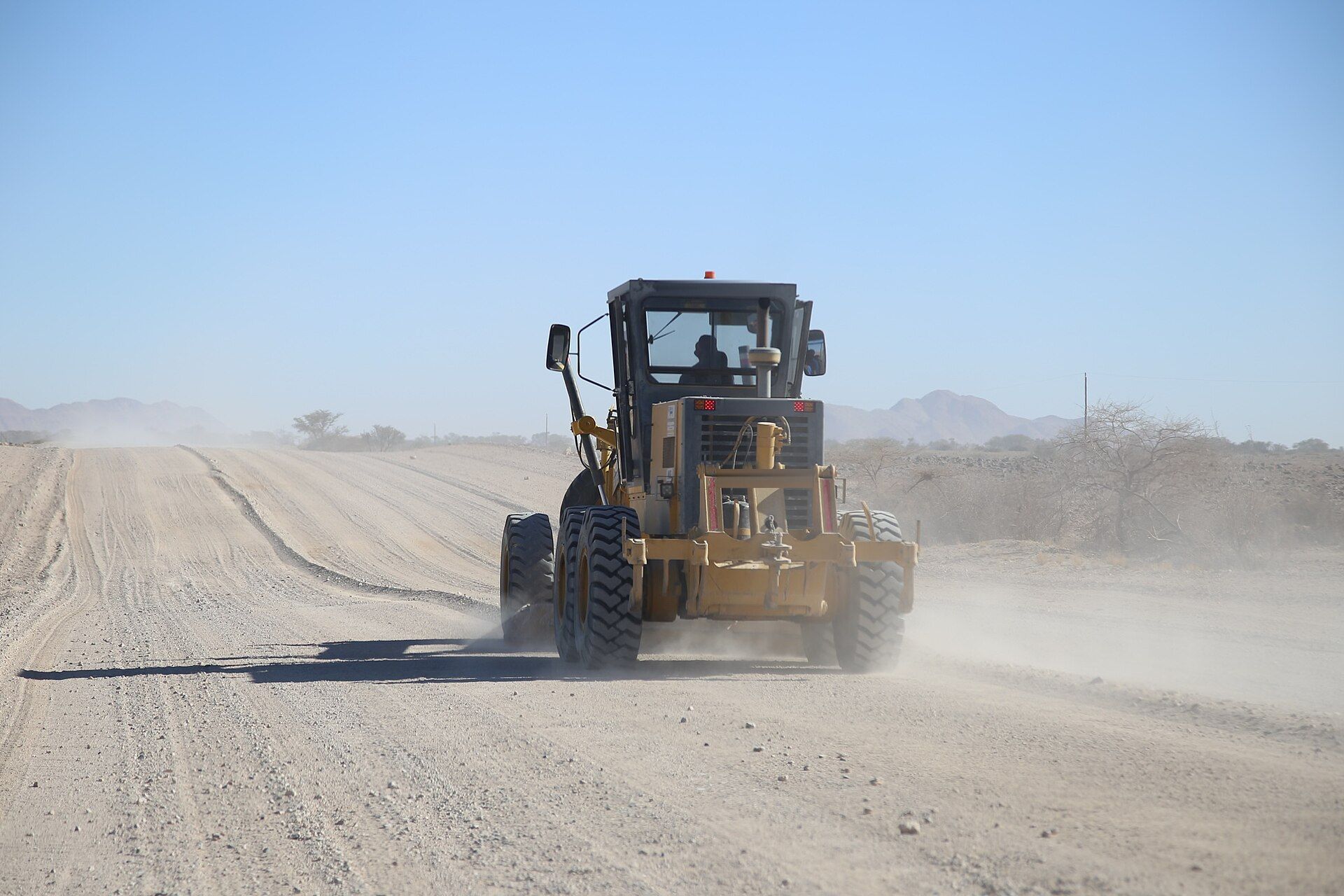
Every vehicle, on every site, working.
Construction fleets are spread across sites, yards and roads. Iricka Fleet shows which vehicles are working, which are idling, which have left a site — and which are due for service.
Equipment moves faster than the spreadsheet
Graders, mixers and light vehicles rotate between sites on their own schedule, and the asset register never quite catches up. Machines left idling burn fuel with nothing to show for it, and vehicles left on open sites overnight are exposed.
Iricka Fleet follows every vehicle and machine fitted with a tracker between sites automatically. Geofences around each site show what is where, idling alerts and idle-time reports show where fuel is wasted, and device monitoring flags trackers that stop reporting.
What construction fleets are up against.
Equipment that moves faster than the spreadsheet
Vehicles rotate between sites and the asset register never quite catches up.
Idle engines, wasted fuel
Machines left idling burn fuel and engine life without producing anything.
Security out of hours
Vehicles and plant left on open sites overnight are targets.
Billing time on site
Knowing how long each vehicle spent on each site makes billing defensible.
What changes when the fleet is in view.
A geofence on every site
Draw a zone around each site and yard. Entries, exits and time on site are recorded automatically, with vehicles currently inside visible at any time.
- Time spent per site
- Vehicles inside now
- Working-hours rules per zone
Cut idle time
Idling alerts flag vehicles stationary with the ignition on, and vehicle reports show idle time and moving time per vehicle and period.
- Idling alerts
- Idle time in vehicle reports
- Fuel consumption per vehicle
Know when a tracker goes silent
Monitoring rules alert you when a device goes offline or loses GPS signal — an early warning on vehicles left on remote sites.
- Device offline rule
- No GPS signal rule
- Email and in-app notification
What a day looks like with Iricka Fleet.
An illustrative scenario, showing how the platform's features fit into a typical day.
Mobilisation
Tippers leave the yard; each geofence exit is recorded with driver and time.
On site
The site manager sees nine vehicles inside the site zone on the geofence view.
Idling
An idling alert shows a mixer stationary with ignition on at the batching point.
Out of hours
A working-hours rule flags a pickup visit to the yard outside allowed hours.
Billing
Geofence reports show time on site per vehicle to support the client invoice.
The Iricka Fleet modules construction teams rely on.
How we set it up for construction.
Every deployment starts with a fleet assessment. This is the configuration we typically start from.
| Typical assets | Tippers, mixers, low-beds, pickups, service vehicles |
|---|---|
| Zones | Sites, yards, batching plants, quarries, garages |
| Alerts | Idling, overspeed, device offline, no GPS signal |
| Reports | Geofence, vehicle and fuel reports per site period |
| Note | Machines need a powered tracker fitted to be tracked |
Common questions.
Can we track plant as well as vehicles?
Any vehicle or machine fitted with a powered, compatible tracker can be tracked. We'll advise on fitting during the fleet assessment.
Can we see time spent on each site?
Yes. Each site can be a geofence, and every visit records entry, exit and time spent inside.
How do we reduce idling?
Idling alerts flag vehicles stationary with ignition on, and vehicle reports show idle time per vehicle and period.
The same platform, configured for other operations.
Fleet control for mines that never stop.
Haul trucks, tankers and site vehicles.
Iricka for Mining →
Every load, every corridor, in view.
Long-haul freight and corridors.
Iricka for Logistics →
Safer, more punctual passenger fleets.
Buses, shuttles and passenger fleets.
Iricka for Transportation →Talk to us about your construction fleet.
Tell us the fleet size, the routes, and what you're trying to control. We come back with a sized recommendation and a realistic rollout plan.