
Every vehicle, one complete record.
Vehicle 360 brings everything Iricka Fleet knows about a vehicle onto one page: live status, fuel, trips, maintenance, alerts, geofences, the assigned driver and the installed GPS device.
Why one page per vehicle matters
When something happens to a vehicle — a breakdown, a missed service, an unexplained fuel figure, a complaint from a site — the first question is always the same: what do we know about this vehicle? In most fleets, answering it means asking three departments and opening four files.
Vehicle 360 answers it on one page. Operations, maintenance and finance look at the same record, and every card on it is fed by live platform data rather than a copy someone typed in.
Vehicle 360, feature by feature.
Live status
Status, location, speed, ignition, fuel level, odometer, battery and time of last update.
Fuel
Today's consumption compared with yesterday and this week, with a fuel level chart.
Recent trips
Trips today and this week, with the number of trips and distance driven.
Maintenance
Upcoming and due services, kilometres remaining and the current odometer.
Geofences
The zone the vehicle is in right now, and its recent entries and exits.
Driver and device
The assigned driver with contact details, and the GPS device's IMEI, model, vendor and status.
Operations, workshop and finance on the same page.
Vehicle 360 is designed so each team finds its answer without switching screens: the controller sees live status and alerts, the workshop sees maintenance due, and finance sees today's fuel against yesterday's.
- Vehicle Overview with live telemetry
- Fuel card: today, yesterday and this week
- Maintenance card with km remaining
- Active alerts for the vehicle
Service history and health, alongside the vehicle itself.
The same vehicle record holds its maintenance plan and completed work orders — cost, workshop, technician and odometer — so a vehicle's health and history are never separated from its live data.
- Maintenance schedules driven by real odometer readings
- Completed work with cost and workshop
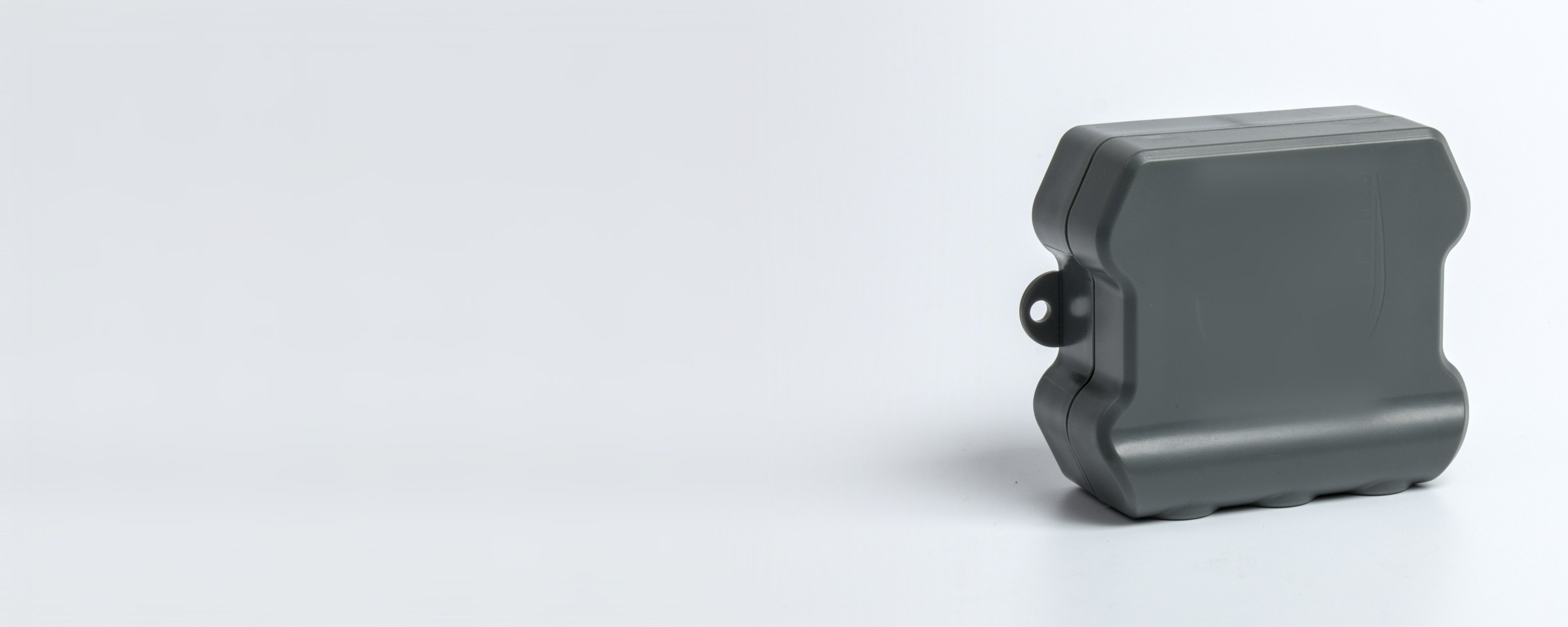
- Tracker status alongside the vehicle
- One exportable report per vehicle
From the vehicle to your screen.
Open a vehicle
From the vehicle list, the live map or global search.
See it live
The overview updates automatically with the latest report from the tracker.
Drill into history
Trips, fuel records, geofence visits and maintenance are linked from each card.
Act and export
Edit details, complete maintenance, handle alerts, or export the vehicle report.
How teams use it every day.
Handle incidents quickly
Status, location, driver and open alerts in one place when a call comes in.
Plan the next service
See what is due, how many kilometres remain, and what was done last time.
Understand the cost
Fuel consumption and maintenance costs recorded against the vehicle.
Vehicle 360 across African operations.
Fleet control for mines that never stop.
Keep a complete record for every haul truck and tanker on site.
Iricka for Mining →CONSTRUCTIONEvery vehicle, on every site, working.
Know the condition and location of each machine and support vehicle.
Iricka for Construction →FIELD OPERATIONSTeams in the field, never out of sight.
Keep remote vehicles road-worthy with maintenance and battery information to hand.
Iricka for Field Operations →What Vehicle 360 records and shows.
The data points, statuses and options available in Iricka Fleet today.
| Live status | Status, location, speed, ignition, fuel level, odometer, battery, last update |
|---|---|
| Fuel | Today's consumption, yesterday, this week, fuel level chart |
| Trips | Today / this week, number of trips, distance |
| Maintenance | Upcoming, due, km remaining, current odometer |
| Geofences | Current geofence, recent entries and exits |
| Driver | Name, phone, status |
| Vehicle information | Registration, nickname, make & model, year, VIN, type, fuel type, tank capacity, colour |
| GPS device | IMEI, device model, vendor, status |
Works together with.
Maintenance
Maintenance plans in Iricka Fleet follow each vehicle's real odometer and the calendar, show what is due soon and overdue, and keep a complete history of the work done.
Explore Maintenance →Fuel
Iricka Fleet records fuel level and consumption from each vehicle, keeps a ledger of every fuel record — consumption and refills — and turns it into consumption figures your finance team can trust.
Explore Fuel →See Vehicle 360 on your own fleet.
We'll show you Iricka Fleet on vehicles, routes and sites like yours, and recommend the right tracker setup.
Ready to see your fleet like this?
Tell us the fleet size, the routes, and what you're trying to control. We come back with a sized recommendation and a realistic rollout plan.