
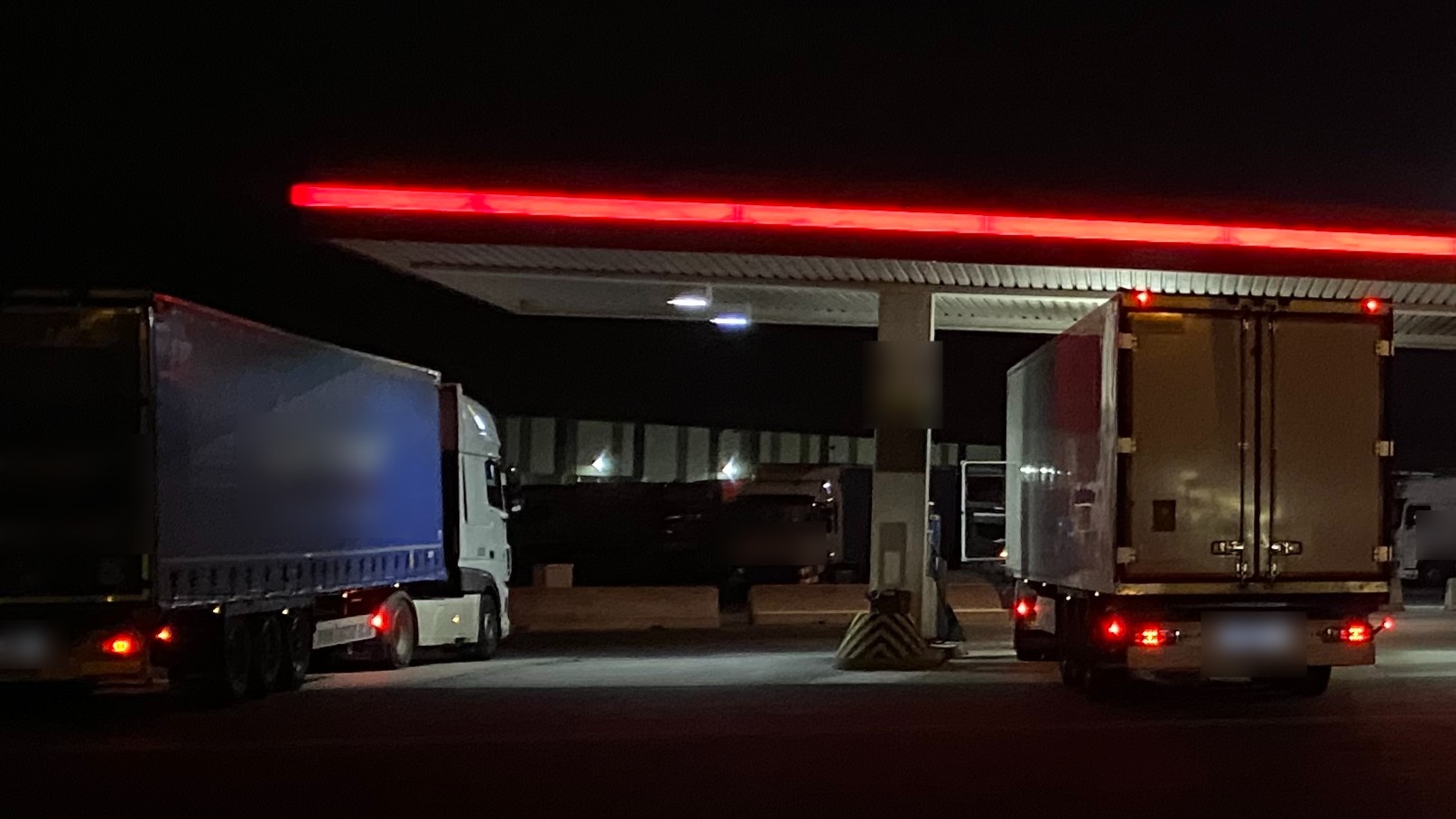
Account for every litre your fleet uses.
Iricka Fleet records fuel level and consumption from each vehicle, keeps a ledger of every fuel record — consumption and refills — and turns it into consumption figures your finance team can trust.
Fuel accountability, explained
For mining, logistics and construction fleets, diesel is often the largest running cost after salaries — and one of the hardest to account for. Fuel is bought at depots and stations, burned on long corridors and remote sites, and reported at the end of the month as a single number.
Iricka Fleet makes that number traceable. Trackers connected to the vehicle's CAN bus report fuel level and the vehicle's own fuel-consumed counter. The platform turns those readings into consumption records per vehicle, lets your team record refills with station and cost, and reports consumption by vehicle, day and period — including litres per 100 km.
Fuel, feature by feature.
Fuel level
Fuel level per vehicle from the tracker, shown live and as a chart on each vehicle's page.
Consumption tracking
Consumption recorded automatically from the vehicle's fuel-consumed counter or from fuel level readings.
Fuel records ledger
Every consumption and refill record with date and time, vehicle, volume, fuel level, driver and location.
Refills with station and cost
Record refills manually with fuel station and cost, so purchases and consumption sit in one ledger.
Fuel dashboard
Total fuel volume, refills, average volume per record, volume by event type, top fuel stations and records by source.
Litres per 100 km
Average consumption per distance driven, in the fuel dashboard and in reports.
Consumption measured from the vehicle, not estimated from receipts.
Where the tracker reads the vehicle's CAN bus, Iricka Fleet uses the engine's own lifetime fuel-consumed counter to record consumption — a direct reading of fuel burned. For other installations, consumption is derived from fuel level readings. Either way, it is recorded per vehicle, automatically, as the vehicle works.
- Fuel level shown in % and litres (using tank capacity)
- Consumption records created automatically
- Daily, weekly and monthly consumption per vehicle
- Litres per 100 km for each vehicle and period
One ledger for fuel in and fuel out.
Refills are recorded by your team with the station, volume and cost, alongside the consumption the platform records from the vehicle. Finance sees purchases and usage side by side, by vehicle and period, and the fuel dashboard shows where fuel was bought and how much.
- Event types: consumption, refill, manual adjustment
- Sources: GPS device and manual entry
- Top fuel stations by volume
- Fuel reports with starting fuel, ending fuel and fuel added
From the vehicle to your screen.
Connect the vehicle
The tracker is connected to the vehicle's CAN bus to read fuel level and consumption.
Readings arrive
Fuel readings are decoded with every tracker report.
Records are created
Consumption records are written automatically; your team adds refills with station and cost.
Report and review
Fuel dashboard, vehicle pages and fuel reports show consumption by vehicle and period.
How teams use it every day.
Reconcile fuel spend
Compare fuel purchased with fuel consumed, per vehicle and per month, and export fuel reports.
Spot unusual consumption
See which vehicles consume the most, and compare litres per 100 km across similar vehicles.
Track the biggest cost
Follow fuel this week and today on the dashboard, and fuel trends over time in reports.
Fuel across African operations.
Fleet control for mines that never stop.
Account for diesel burned by haul trucks and tankers, per vehicle and shift.
Iricka for Mining →LOGISTICSEvery load, every corridor, in view.
Compare corridor consumption across trucks and record refills made on the road.
Iricka for Logistics →CONSTRUCTIONEvery vehicle, on every site, working.
Understand fuel use per machine and per site.
Iricka for Construction →What Fuel records and shows.
The data points, statuses and options available in Iricka Fleet today.
| Readings | Fuel level and lifetime fuel-consumed counter (CAN bus) |
|---|---|
| Record fields | Date & time, vehicle, event type, fuel volume (L), fuel level (%), driver, location |
| Event types | Consumption, refill, manual adjustment |
| Sources | GPS device, manual entry |
| Dashboard | Total volume, total refills, average volume per record, volume by event type, top fuel stations, records by source |
| Reports | Fuel consumed, starting fuel, ending fuel, fuel added, L/100 km |
| Alerts | Low fuel level (below 15 %) |
Works together with.
Reports
Trip, fuel, maintenance, vehicle and geofence reports for any period, built from live platform data and exportable to PDF or CSV. No more rebuilding the same spreadsheet every month.
Explore Reports →Vehicle 360
Vehicle 360 brings everything Iricka Fleet knows about a vehicle onto one page: live status, fuel, trips, maintenance, alerts, geofences, the assigned driver and the installed GPS device.
Explore Vehicle 360 →Alerts
Iricka Fleet raises alerts for overspeeding, idling, low fuel, low battery and device problems — each with a severity and a clear workflow, so every alert is acknowledged and resolved rather than ignored.
Explore Alerts →See Fuel on your own fleet.
We'll show you Iricka Fleet on vehicles, routes and sites like yours, and recommend the right tracker setup.
Ready to see your fleet like this?
Tell us the fleet size, the routes, and what you're trying to control. We come back with a sized recommendation and a realistic rollout plan.